 PowaOn
Know the moment light comes back.Know the moment light don come.
PowaOn tells your whole street when NEPA brings light, and when it goes. No more checking the socket or asking around.
PowaOn go tell your whole street when NEPA bring light, and when e go. No need to dey check socket or dey ask people again.
- Free
- Free
- No account
- No account
- Android
- Private
- Private
How it worksHow e dey work
-
Leave your phone on the chargerLeave your phone for chargerAt home, especially at night. An old phone works too.For house, especially for night. Old phone sef go work.
-
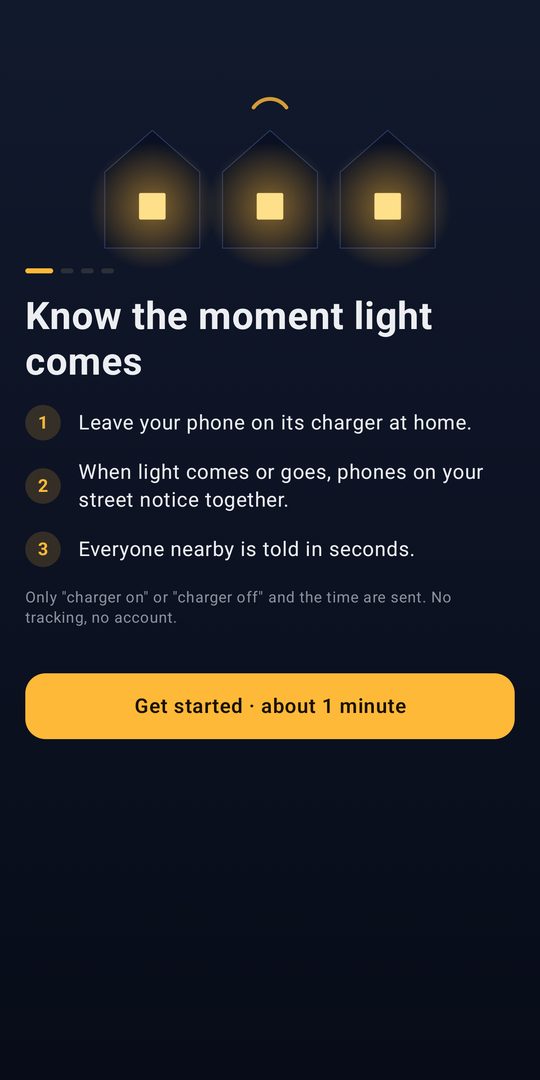
Phones on your street notice togetherPhones for your street go notice togetherWhen light comes, they all start charging at once.When light come, all of them go start to charge at once.
-
Everyone nearby is told in secondsEverybody near you go hear am sharp sharpAn alert when light comes back, and when it goes.Alert when light come back, and when e go.
What it looks likeHow e be
Why we need youWhy we need you
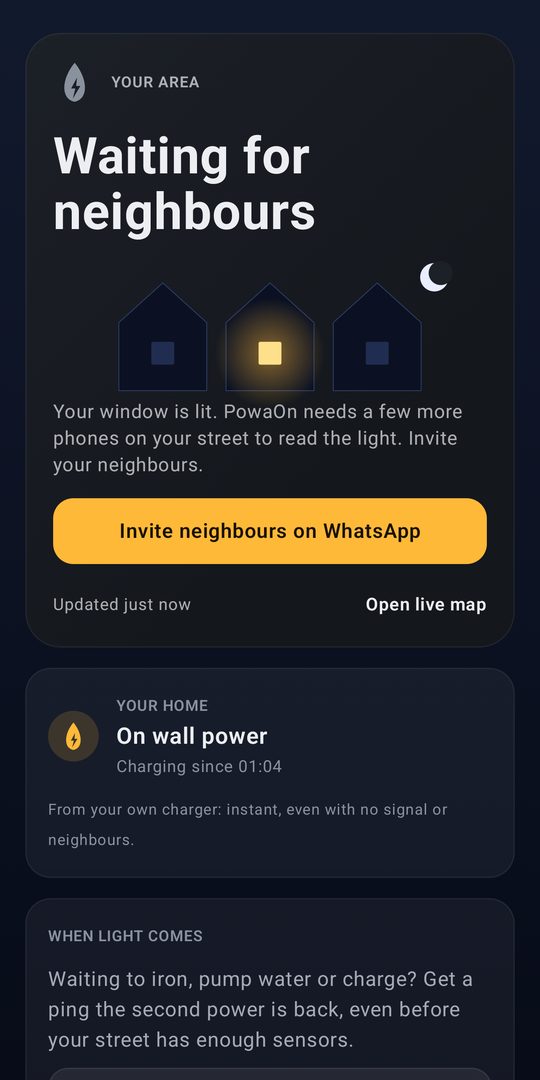
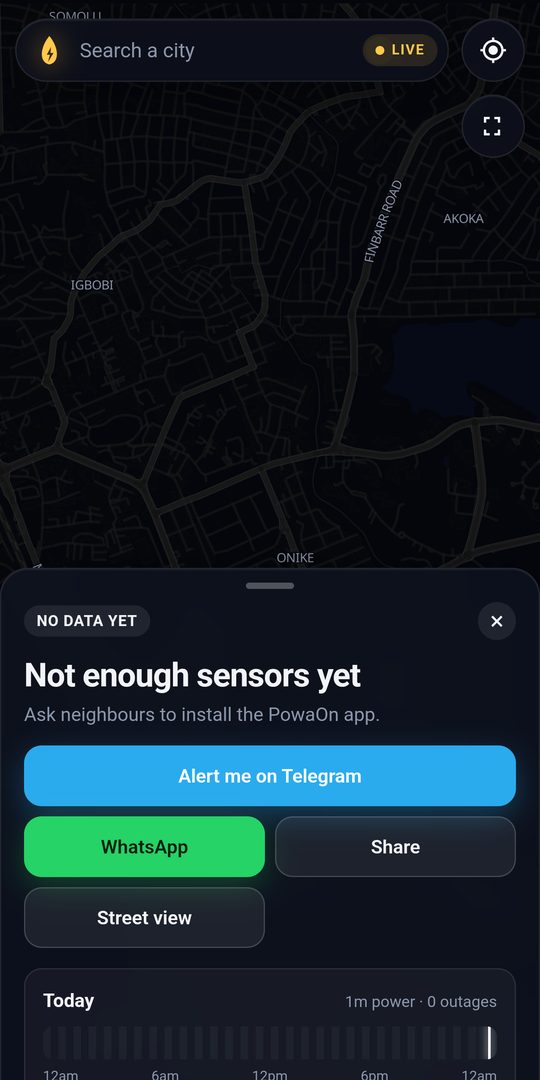
PowaOn gets surer with every phone. One phone can only guess; five on a street and it knows in seconds, for everyone. We're starting in Lagos and need our first testers to make it happen.
PowaOn dey sure pass with every phone. One phone fit only guess; five phones for one street, e go know sharp sharp for everybody. We dey start for Lagos, we need our first testers.
Testing means: install from Google Play, set your home area once, and keep the phone on the charger for 2 weeks. Tell us what you think.
Testing na: install from Google Play, set your house area once, leave the phone for charger for 2 weeks. Tell us wetin you think.
Join the test in 2 tapsJoin the test with 2 taps
Do this on your Android phone, signed in with the Google account on that phone.Do am for your Android phone, with the Google account wey dey that phone.
- 1Join the testers groupJoin the testers group
Tap Join group on the page that opens.Press Join group for the page wey go open.
- 2Become a tester on Google PlayBecome tester for Google Play
Tap Become a tester, then install PowaOn. Leave the phone on the charger.Press Become a tester, then install PowaOn. Leave the phone for charger.
If step 2 says you're not a tester, wait a minute after joining the group and try again.If step 2 talk say you never be tester, wait one minute after you join the group, try am again.
Trouble joining? Leave your Gmail and we'll add youE no work? Drop your Gmail, we go add you
You're on the list. Thank you!You don enter the list. Thank you!
We'll add you to the test within a day. Then, on your Android phone:
We go add you inside one day. Then, for your Android phone:
- Open this tester link and tap Become a tester.
- Install PowaOn from Google Play.
- Set your home area and leave the phone on the charger.
- Open this tester link, press Become a tester.
- Install PowaOn from Google Play.
- Set your house area, leave the phone for charger.
If the link says you're not a tester yet, try again tomorrow.
If the link talk say you never be tester, try am again tomorrow.
Bring your streetBring your street
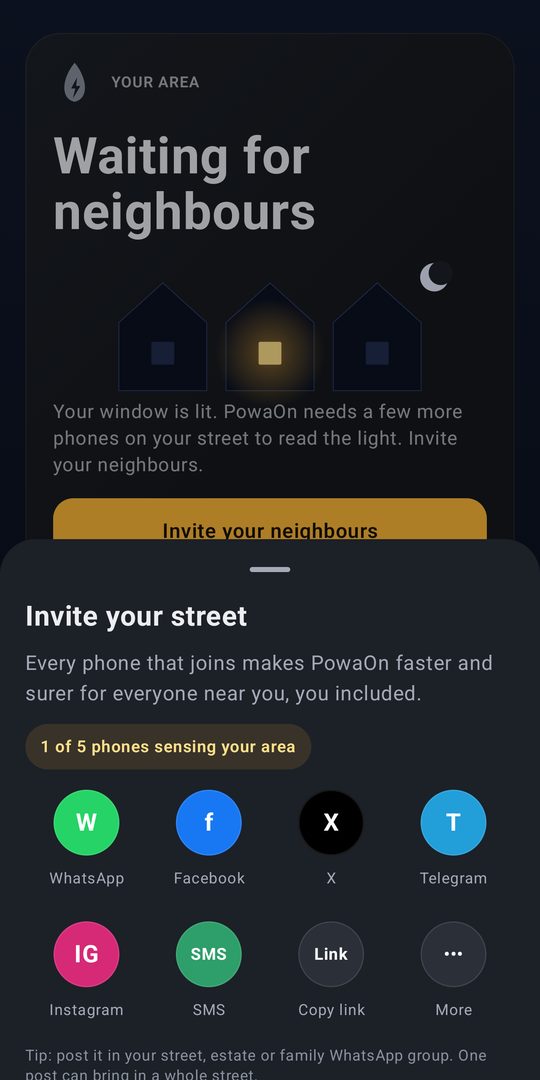
The more phones near you, the better PowaOn works for everyone. Share this page:
As more phones dey near you, PowaOn go work better for everybody. Share this page: